Congratulations on being upgraded to RFA 3.
If you have a list of companies on monitor in RFA 1, you will be required to export these companies as a CSV file and import them into RFA 3.
Exporting your data from RFA 1
1. Log in to RFA 1 here.
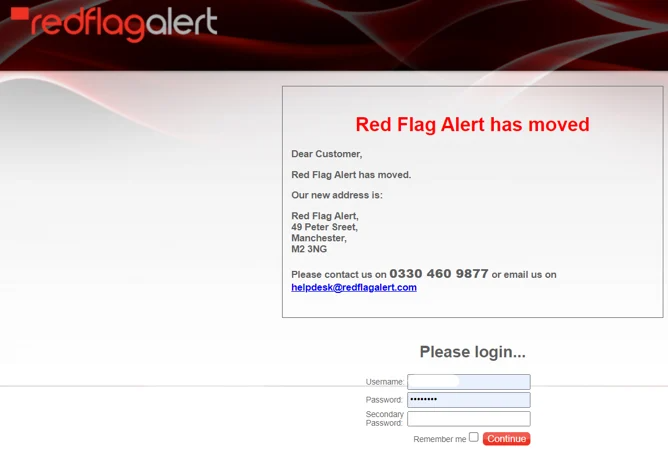
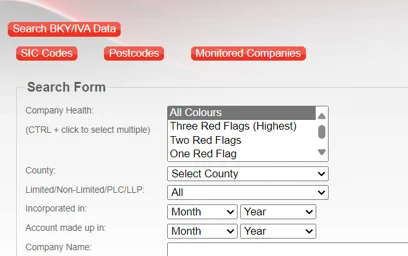
2. Select 'Advanced Search' from the main menu.
3. Click on 'Monitored Companies'.
4. Choose 'Export as CSV'.
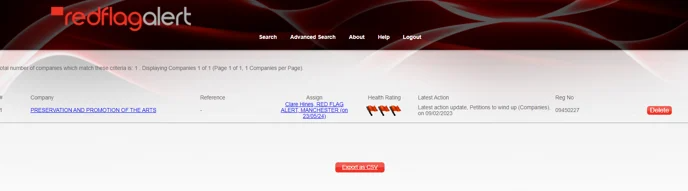
A file will automatically be downloaded to your Downloads folder on your PC.
If you open the file, choose Don't Convert. This will ensure that the company registration numbers are not altered.
Once you have downloaded your file, log into RFA 3
For guidance on how to upload your monitoring list into a portfolio, see our How to Create a Portfolio guide.
If you have any questions, you can reach out to our support team here.
Was this article helpful?
That’s Great!
Thank you for your feedback
Sorry! We couldn't be helpful
Thank you for your feedback
Feedback sent
We appreciate your effort and will try to fix the article