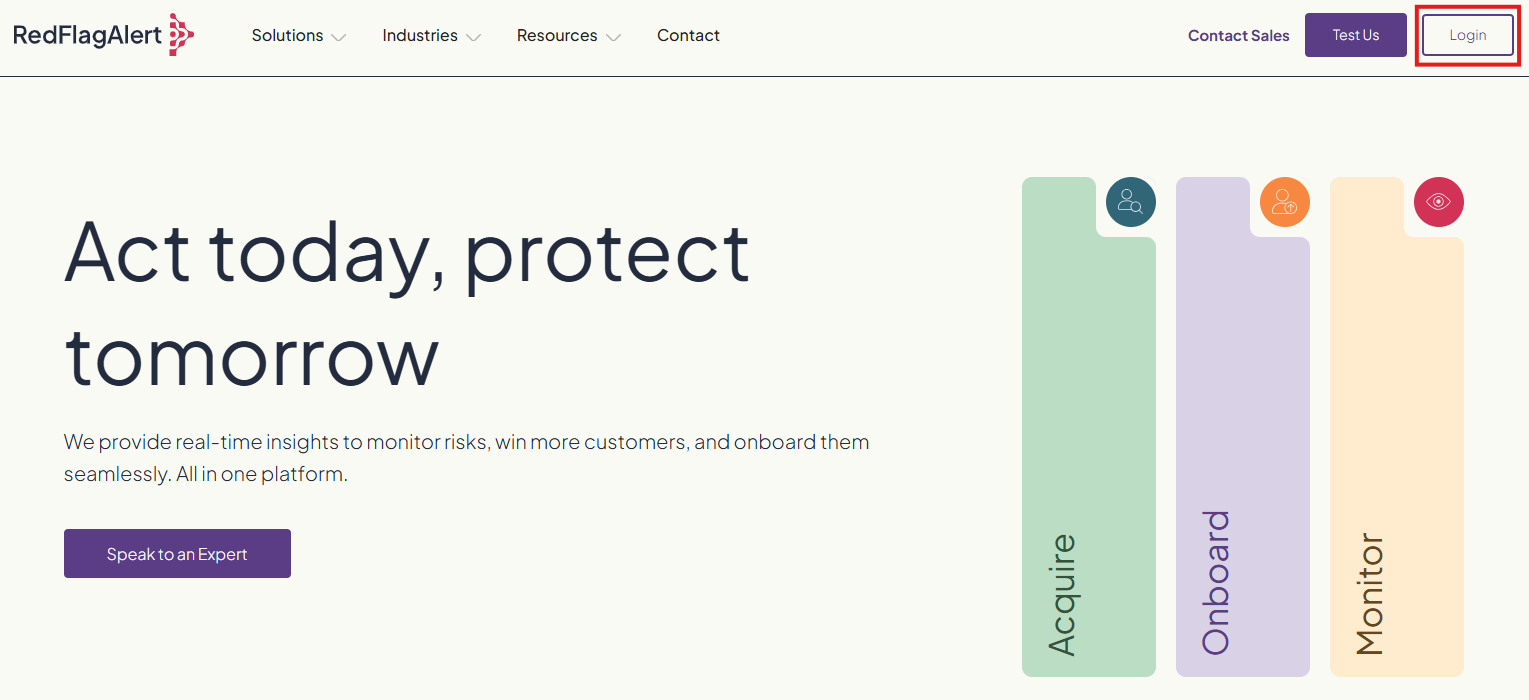
To log in to your Red Flag Alert account, click 'Login' in the top right corner of the welcome page.
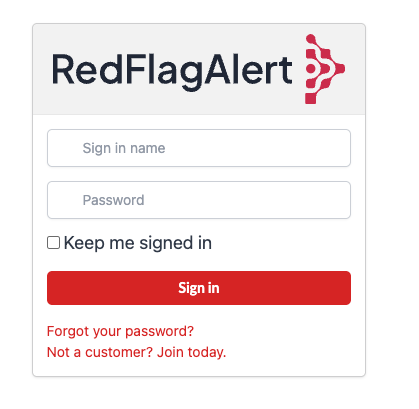
Enter your email address and password, then click 'Sign in'. If you have forgotten your password, click 'Forgot your password?' to reset it.
Trouble logging in
If you are having trouble logging in, please use the ‘Forgot your password?’ link to reset your password. For more guidance on resetting your password, click here.
Please make sure you are not using a VPN as this can restrict access to the platform.
If you are still having trouble, please submit a ticket here.
Was this article helpful?
That’s Great!
Thank you for your feedback
Sorry! We couldn't be helpful
Thank you for your feedback
Feedback sent
We appreciate your effort and will try to fix the article