To run an AML check within the platform, first navigate to the IDV & AML tab from the side of your RFA dashboard.
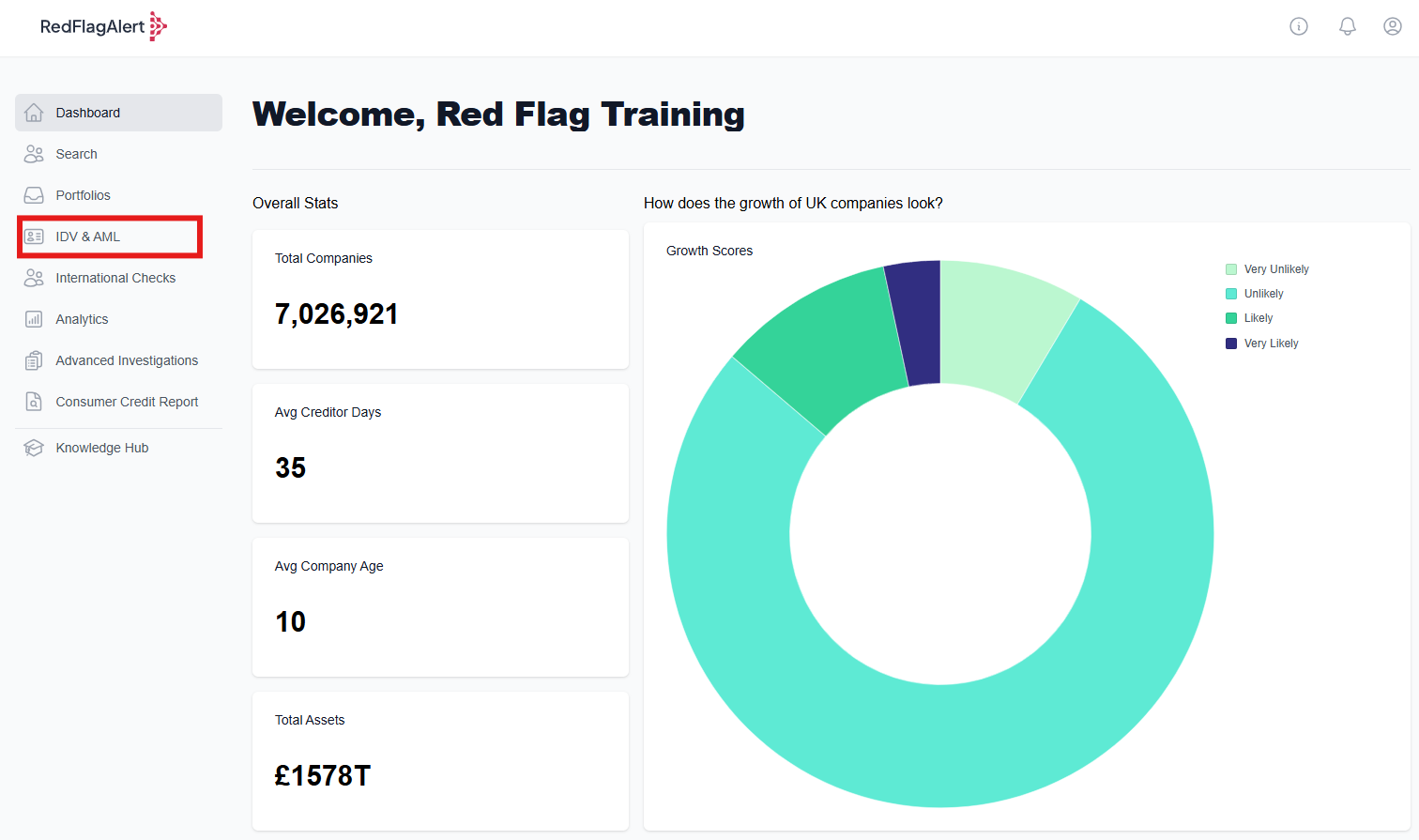
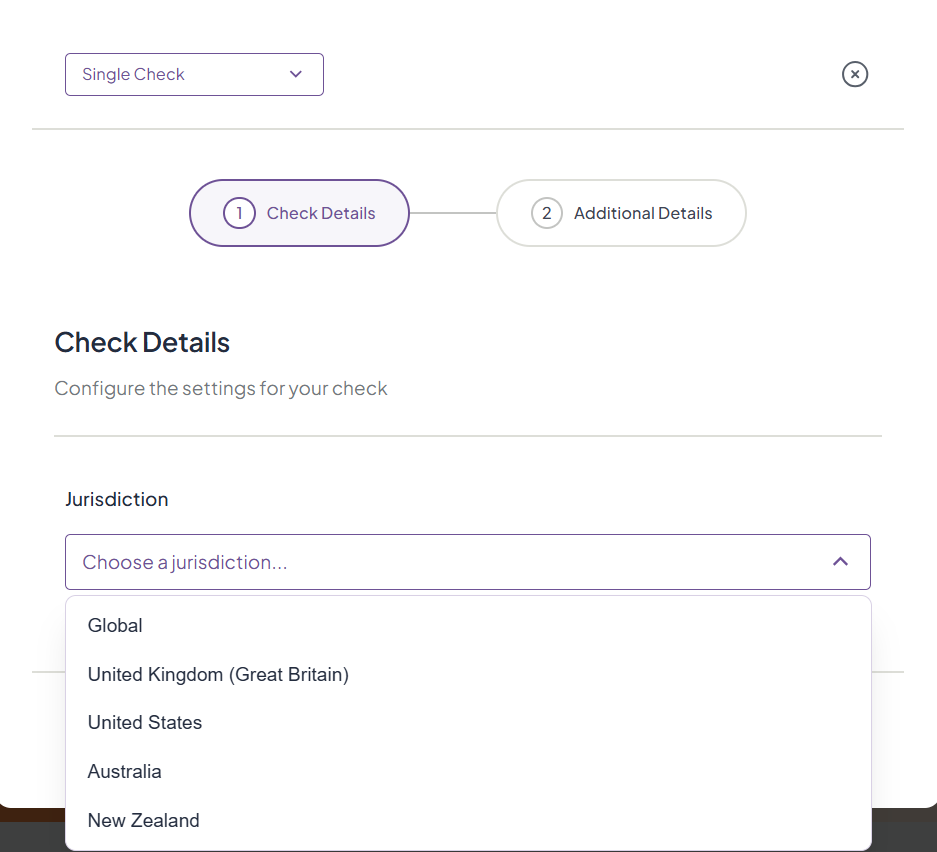
To carry out an AML check, select 'Single Check' from the top right corner of the page. AML checks can only be sent out individually, they cannot be done in bulk.

1. First, choose the jurisdiction for your check. AML checks are available in the United Kingdom and United States.
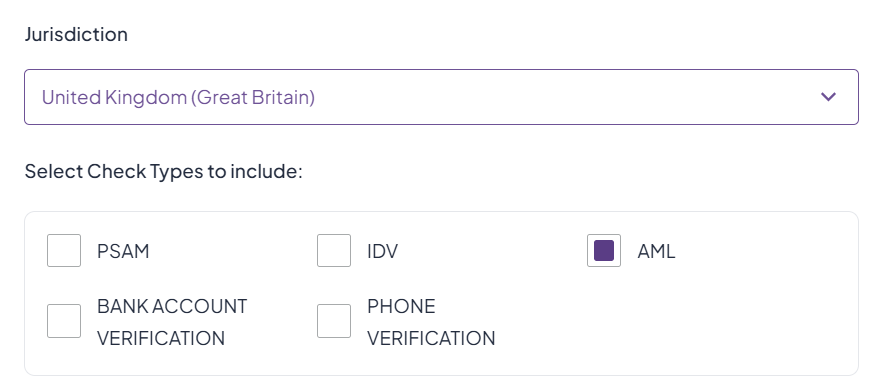
2. Click to check the AML checkbox when asked to select the check types you would like to include. Read more about the types of checks here.
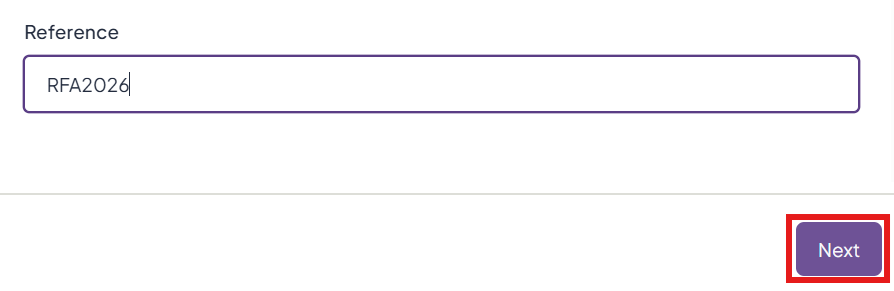
3. Write a reference for your records, then click 'Next'.
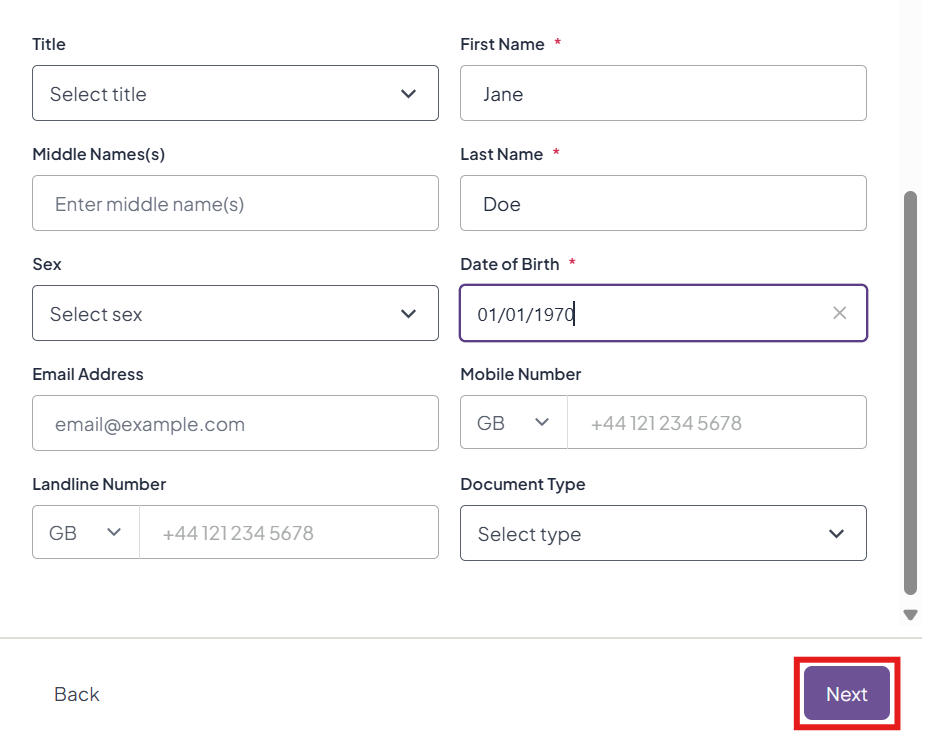
4. In the next screen, fill out the details of the person you are carrying out the check on. More information is better, but you are only required to fill out the information marked with a red * - all other fields are optional to fill out.
For a US AML check, you are required to provide the social security number of the individual.
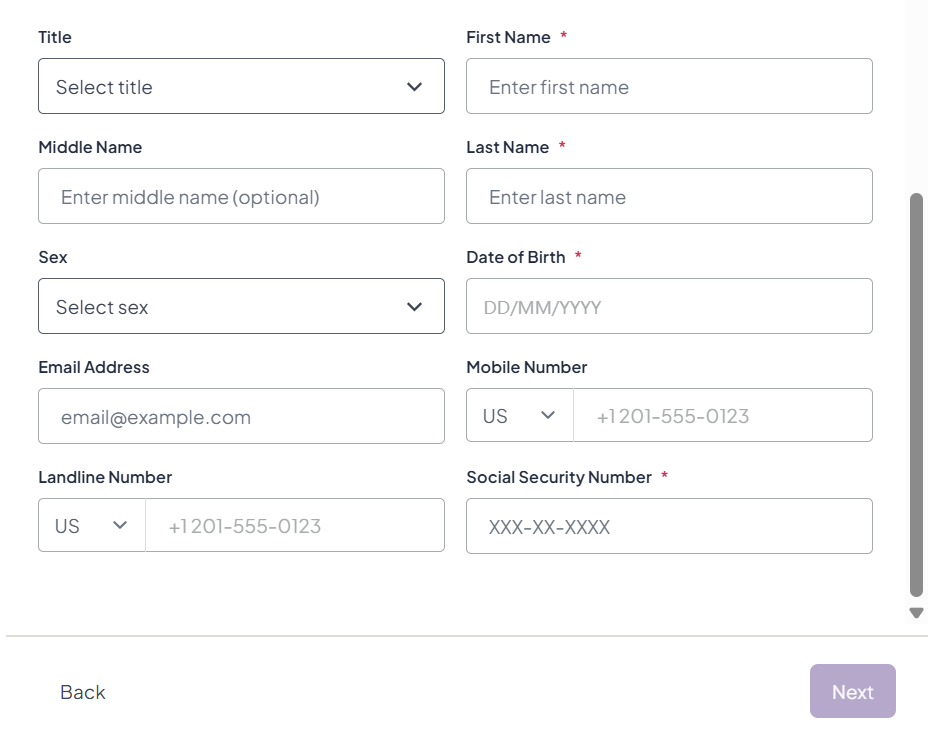
When you have done this, click 'Next'.
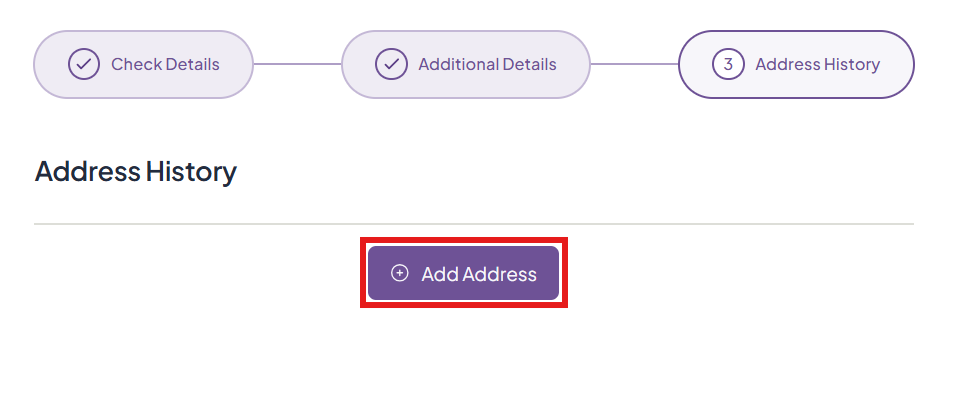
5. You will be required to provide the individual's current address and any address history you are able to list. Click 'Add Address' to begin.
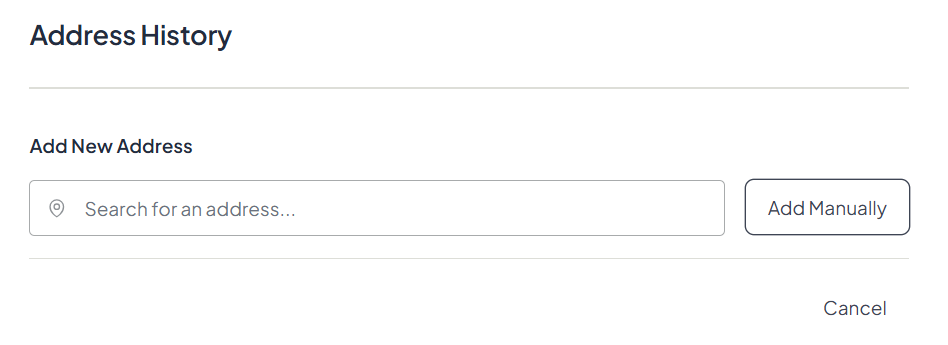
6. Search for their address using the smart search bar or add it manually.
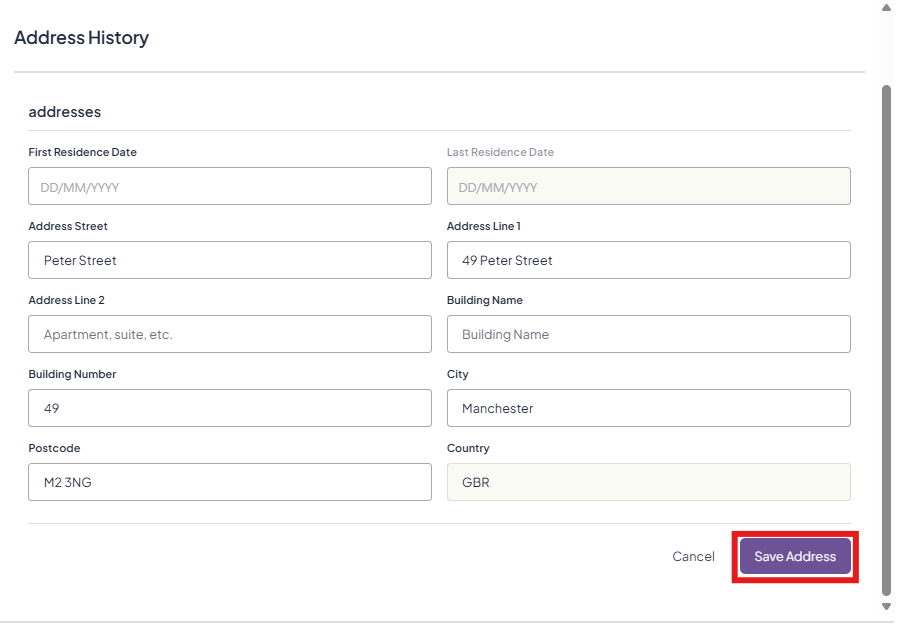
7. Fill in the details, then click 'Save Address'.
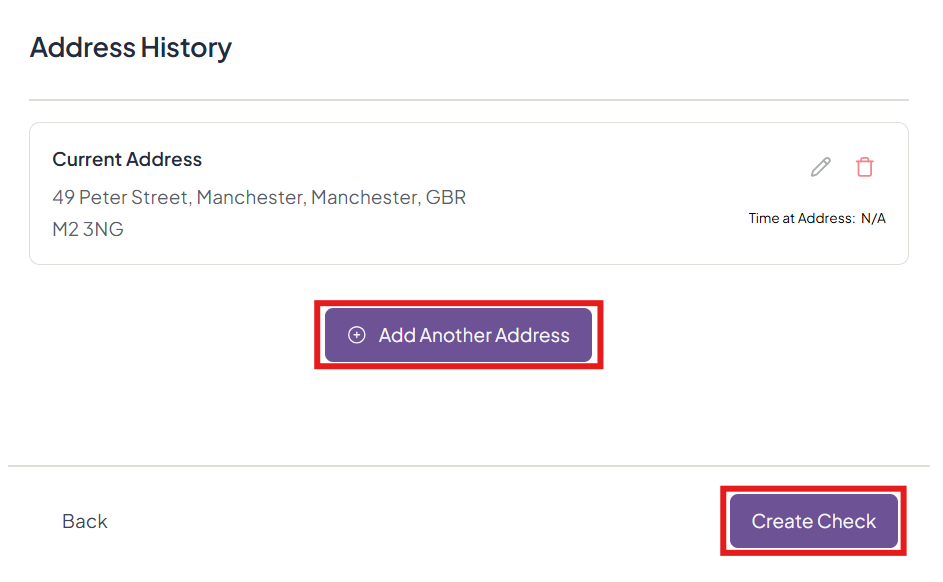
8. Click to 'Add Another Address' or 'Create Check'.
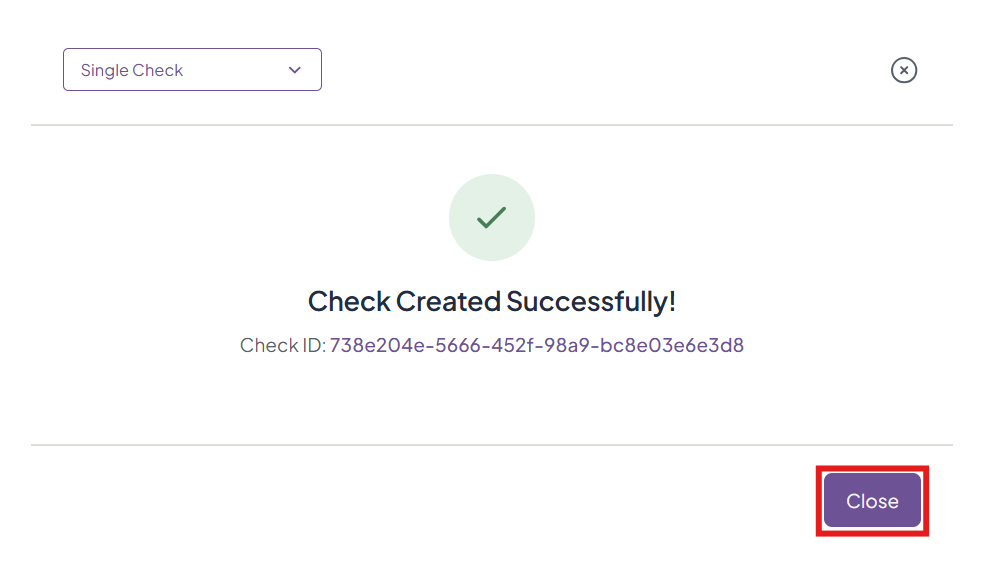
9. Click 'Close' to go back to the IDL/AML dashboard.
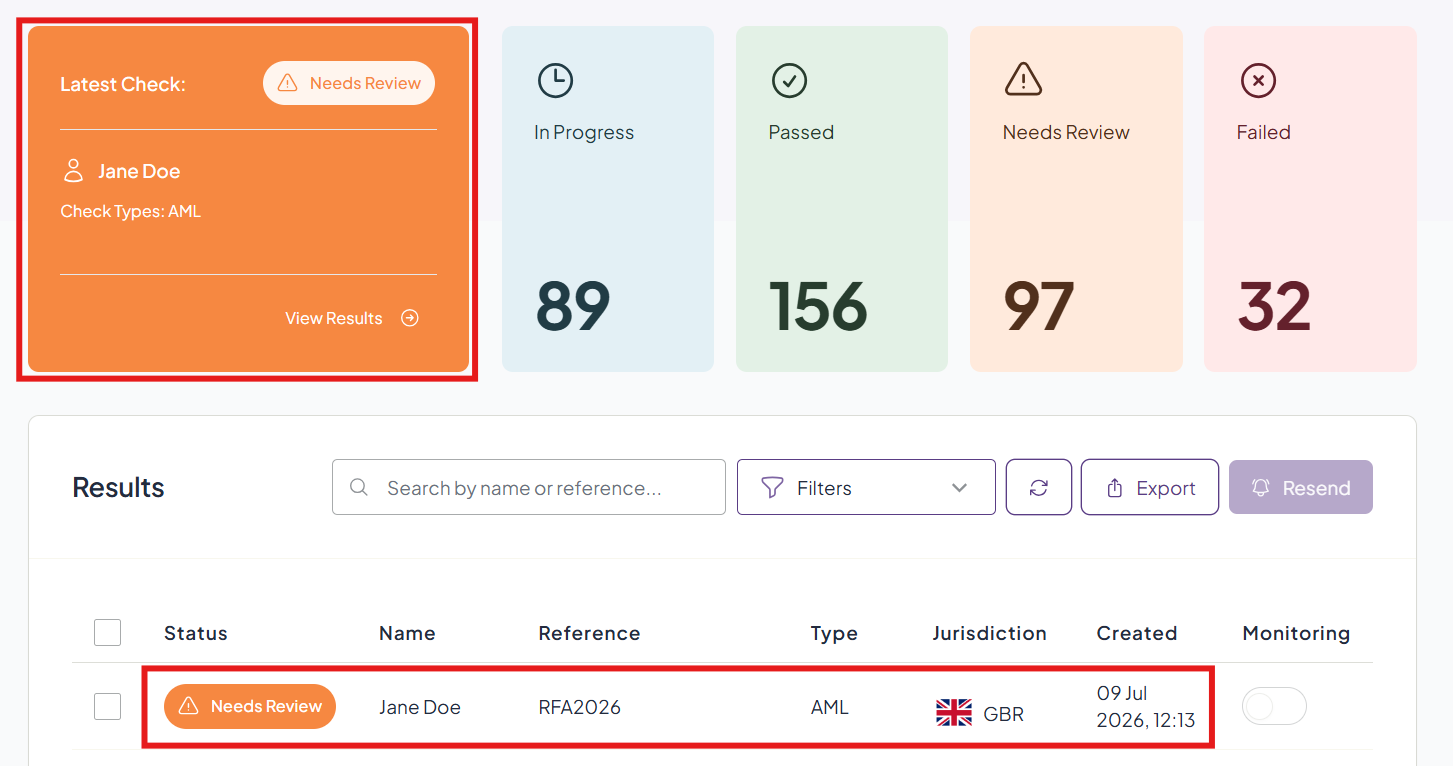
10. View your check on the dashboard and click to view the details.
Was this article helpful?
That’s Great!
Thank you for your feedback
Sorry! We couldn't be helpful
Thank you for your feedback
Feedback sent
We appreciate your effort and will try to fix the article