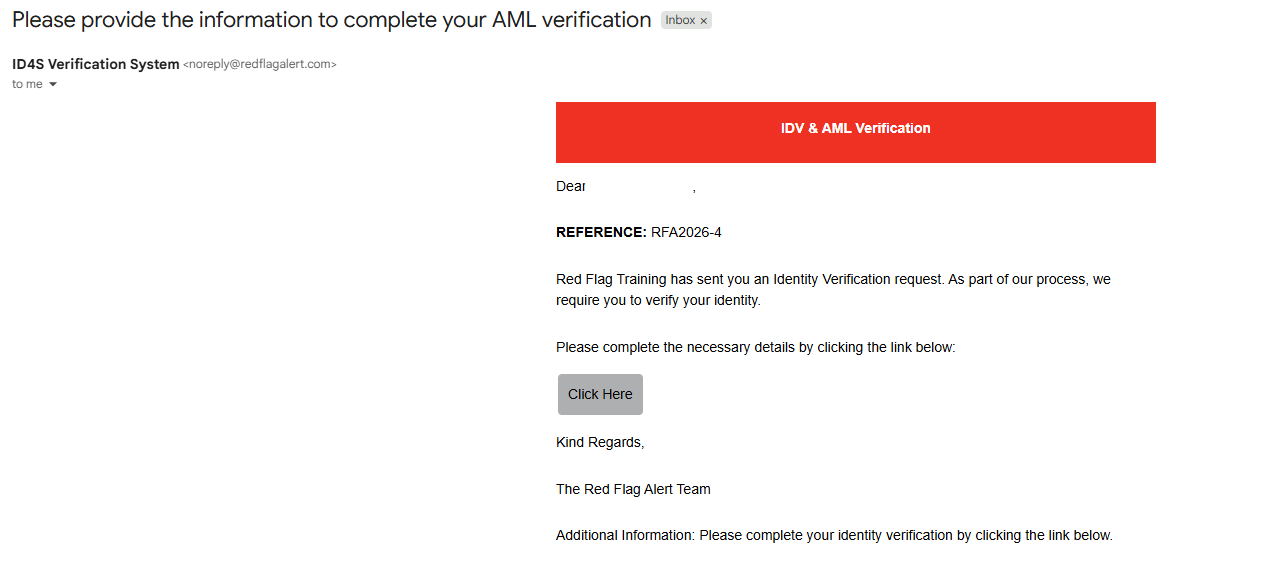
Once you have sent a check via the Red Flag Alert platform, your client will receive an email containing a link and your personalised message. This link will take them through to the IDV & AML check, which is completed using their device and does not require that they download an app.
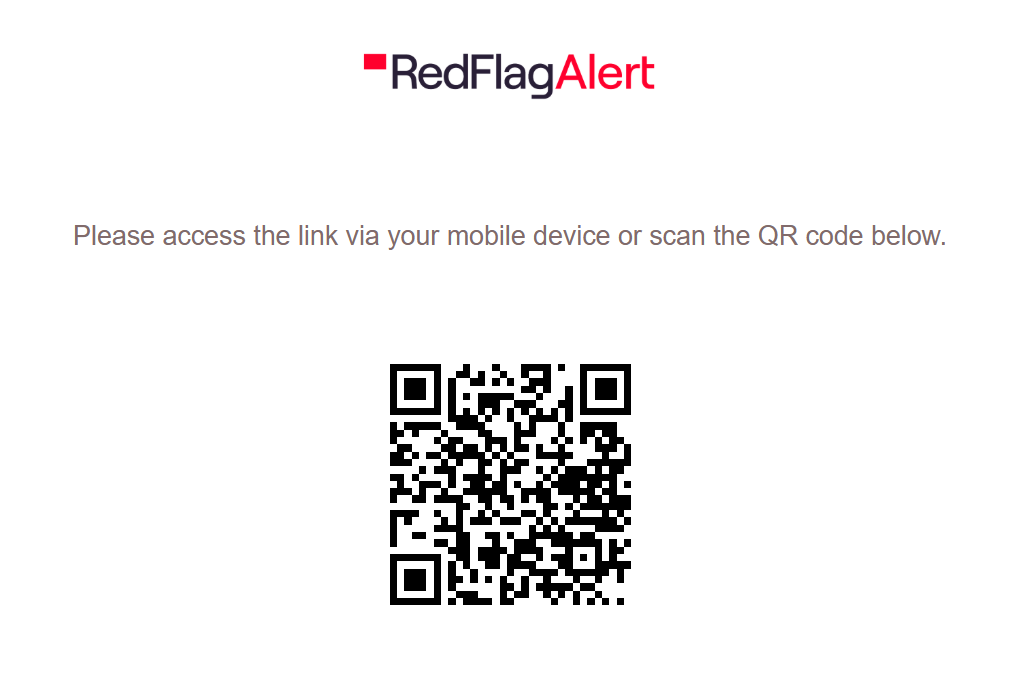
If they open the link via the email they receive, they will be directed to a webpage containing a QR code for them to scan with their mobile device.
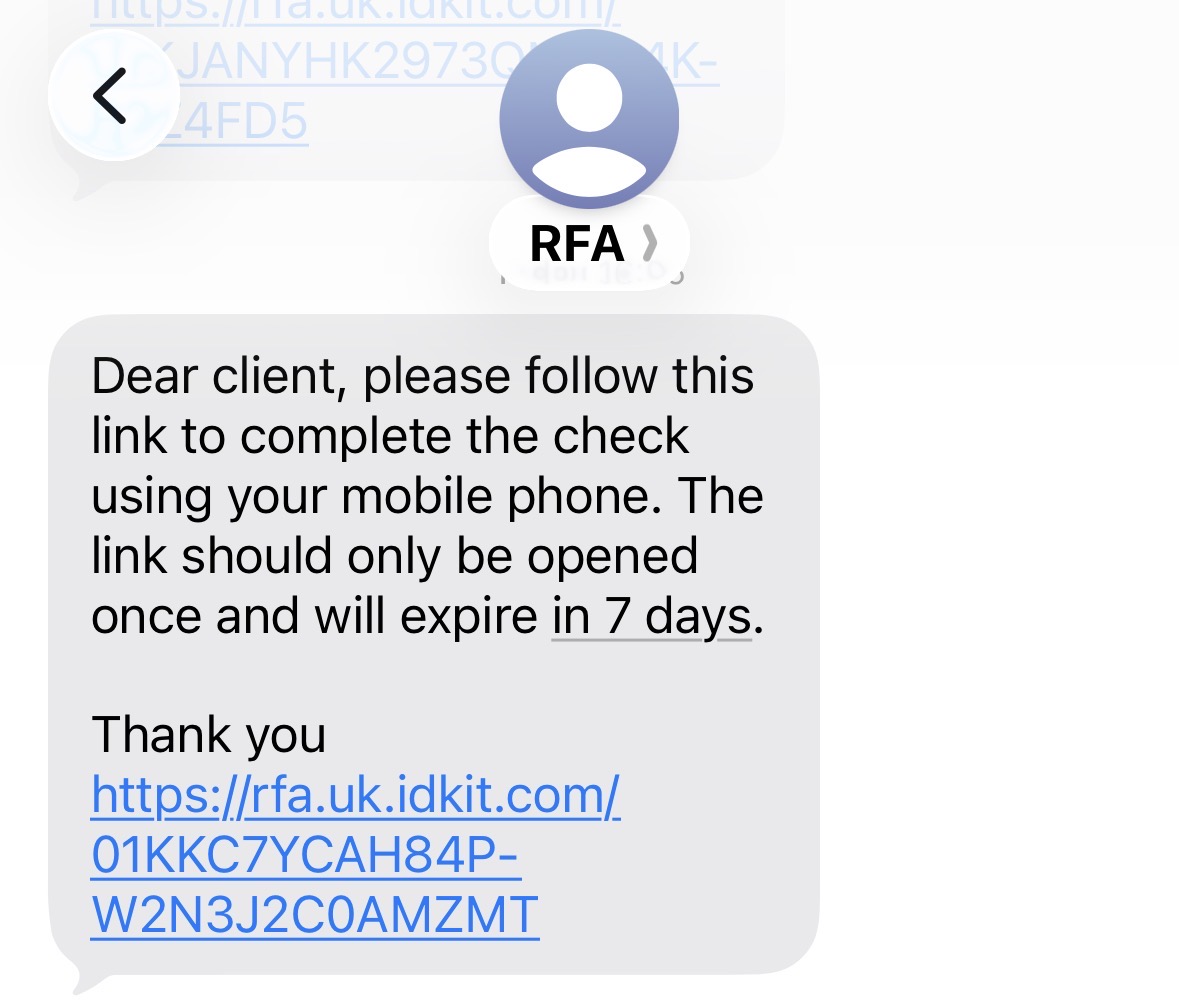
If you included their mobile number, they will also receive it as a text message.
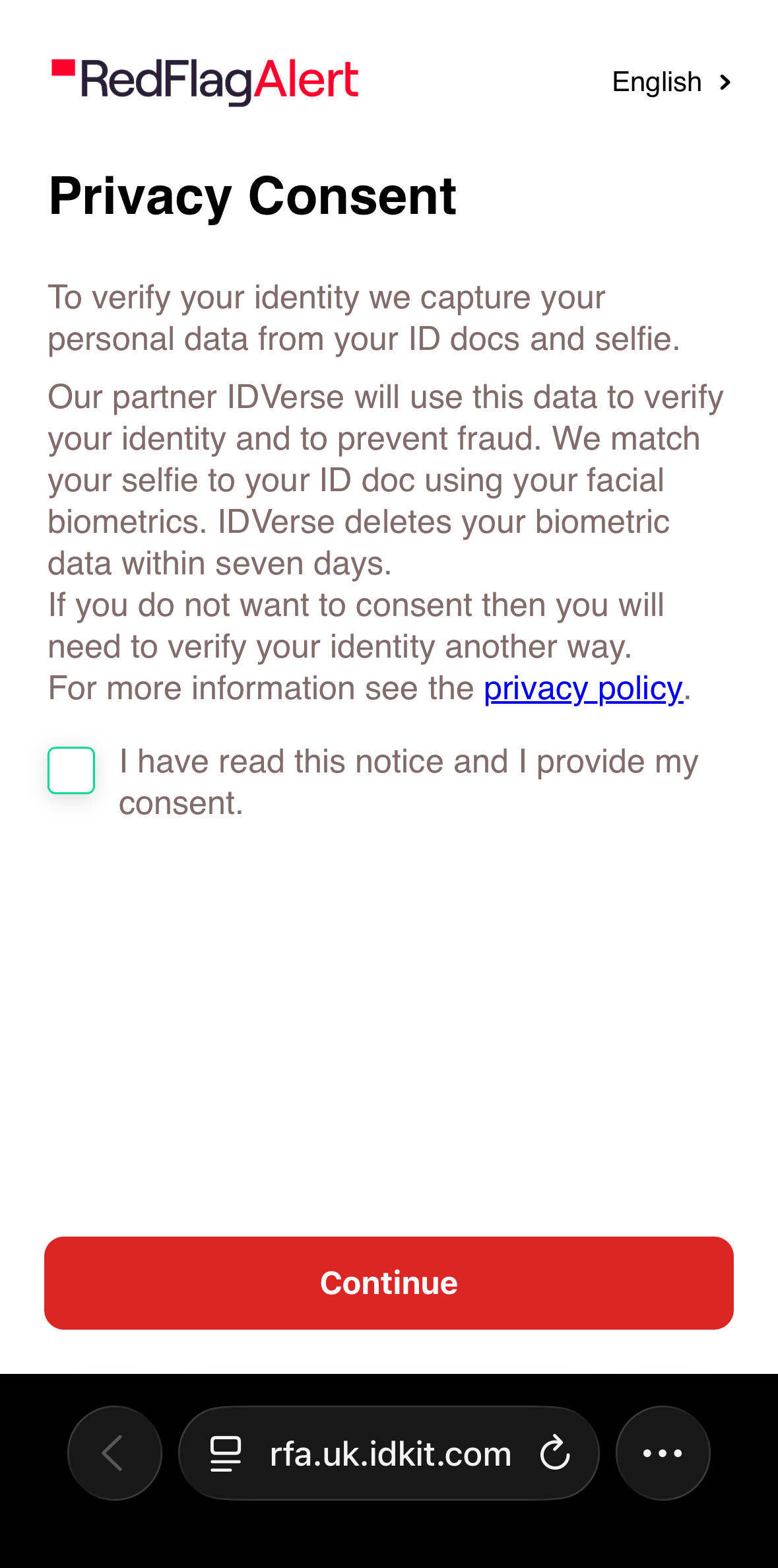
Once they open the link, they will be asked to consent to the Privacy Policy and will then be taken directly to the identification verification.
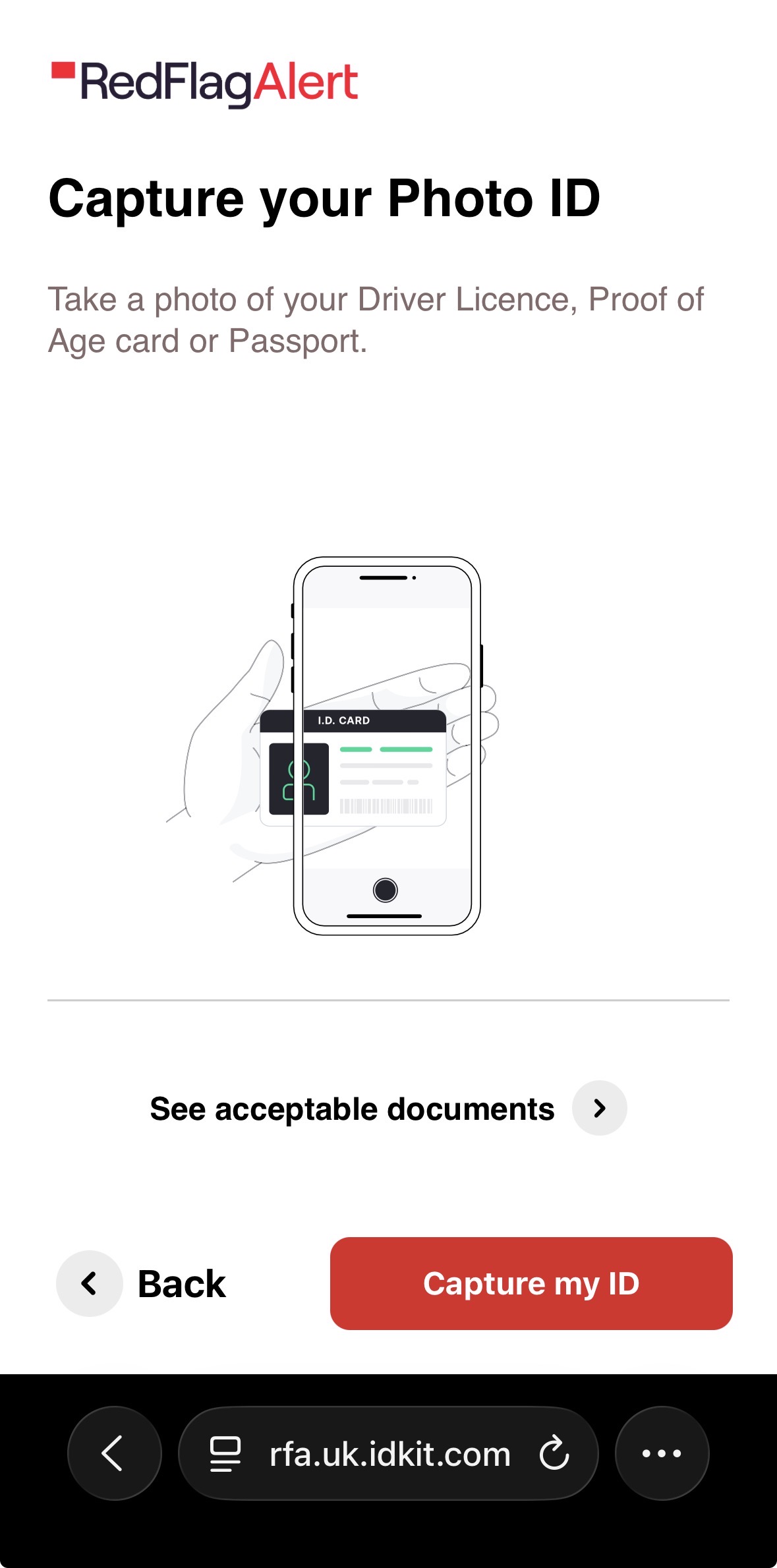
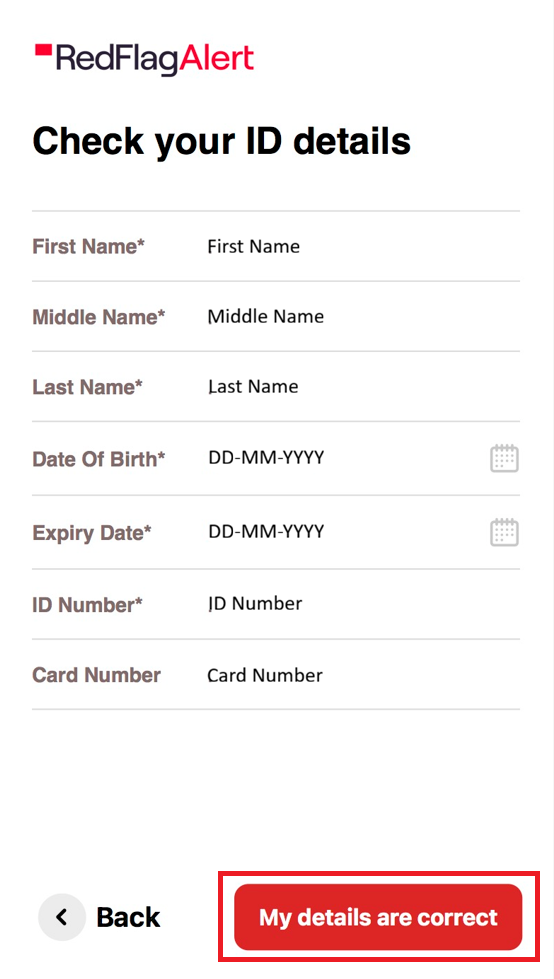
Once they have scanned their document, they are able to check their ID details and edit if necessary.
Click here to watch our video walkthrough of the process from your client's point of view, as well as yours.
Was this article helpful?
That’s Great!
Thank you for your feedback
Sorry! We couldn't be helpful
Thank you for your feedback
Feedback sent
We appreciate your effort and will try to fix the article