There are two ways to resend IDV checks, and the platform allows you to resend multiple checks at a time. Each check link is valid for 7 days, and when you resend a check, a new 7 day validity window starts.
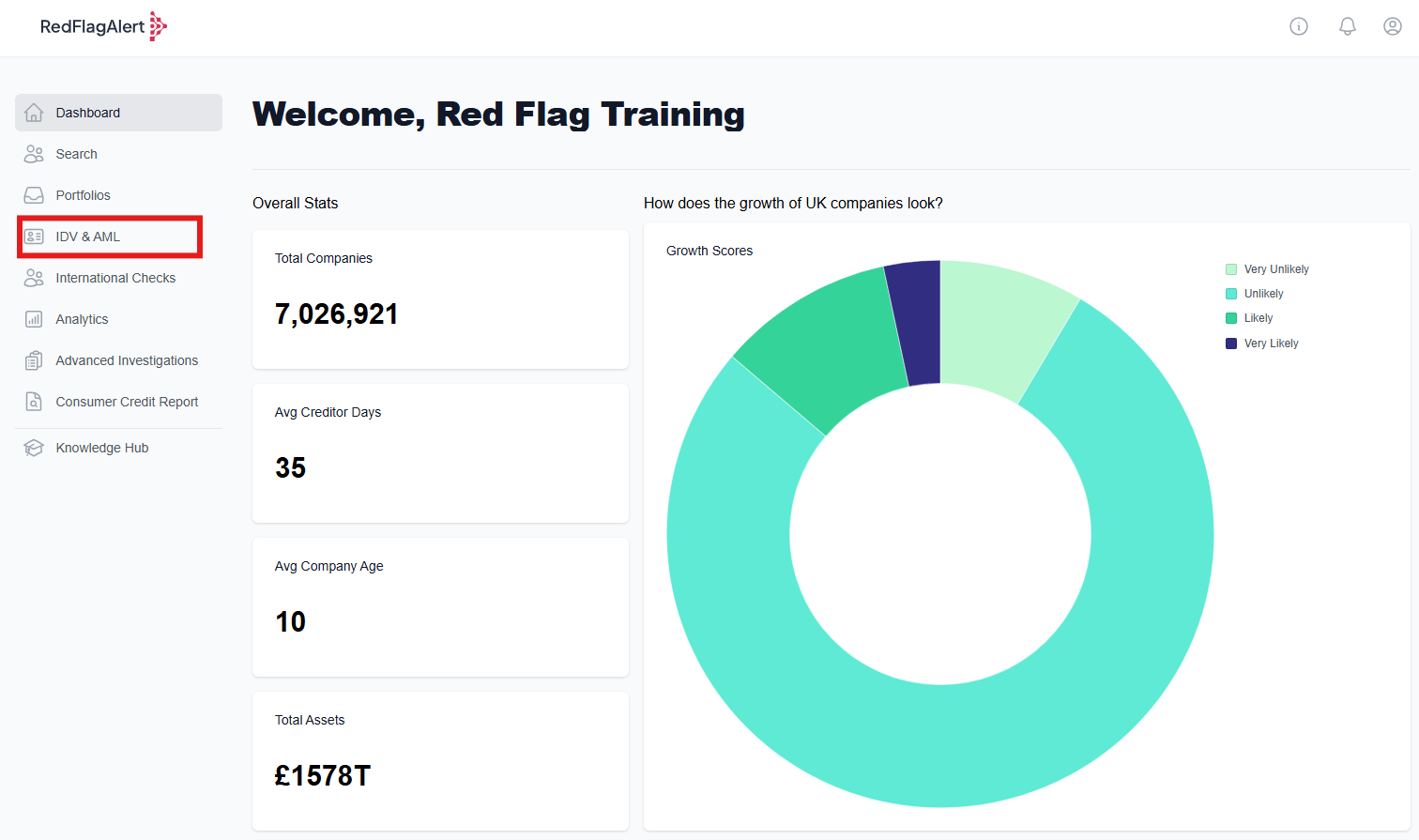
First navigate to the IDV & AML tab from the side of your RFA dashboard.
Method 1: Bulk resend from the IDV & AML page
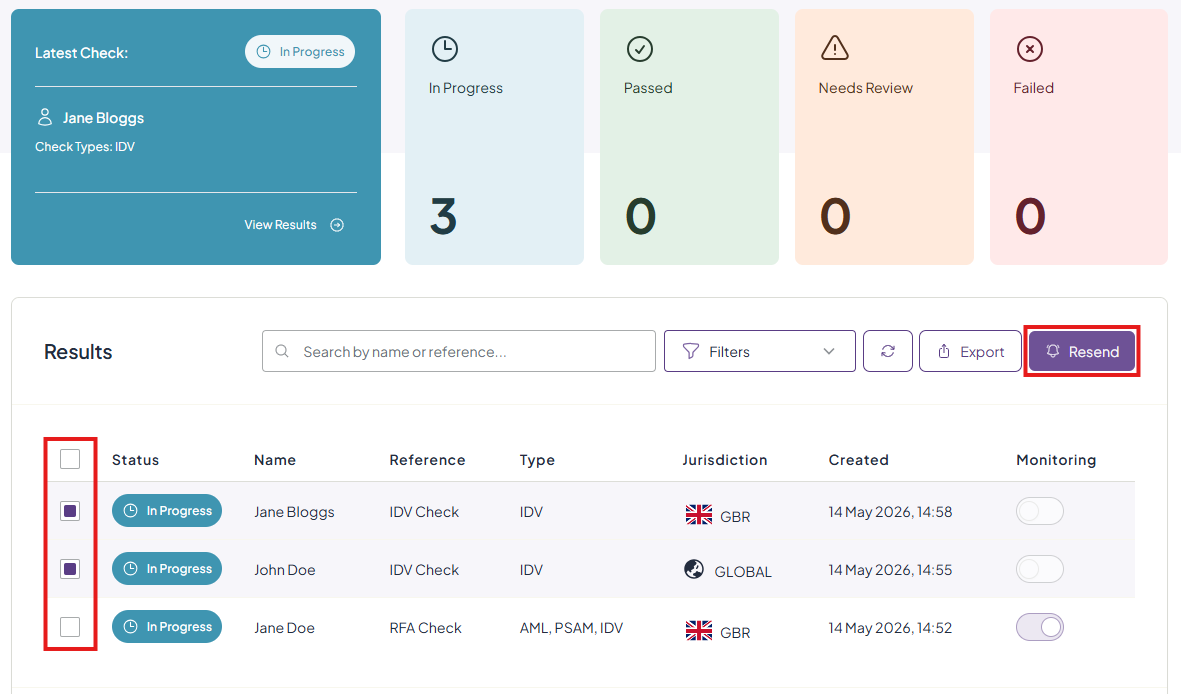
Using the checkbox on the left side to select any IDV checks you would like to resend. Once you have selected at least one check, the 'Resend' button will become available for you to click.
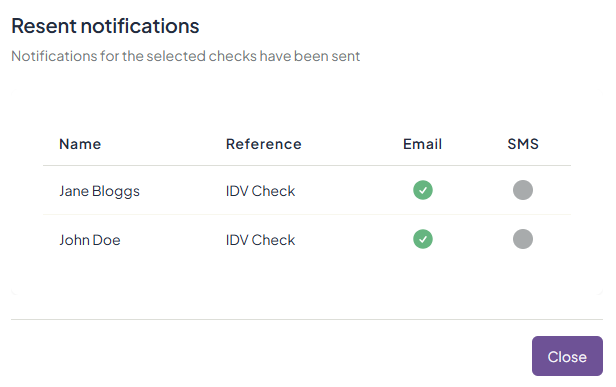
You will receive confirmation that the checks have been resent.
Method 2: Individual resend from the check overview page
Alternatively, click on a specific check to open its overview page.
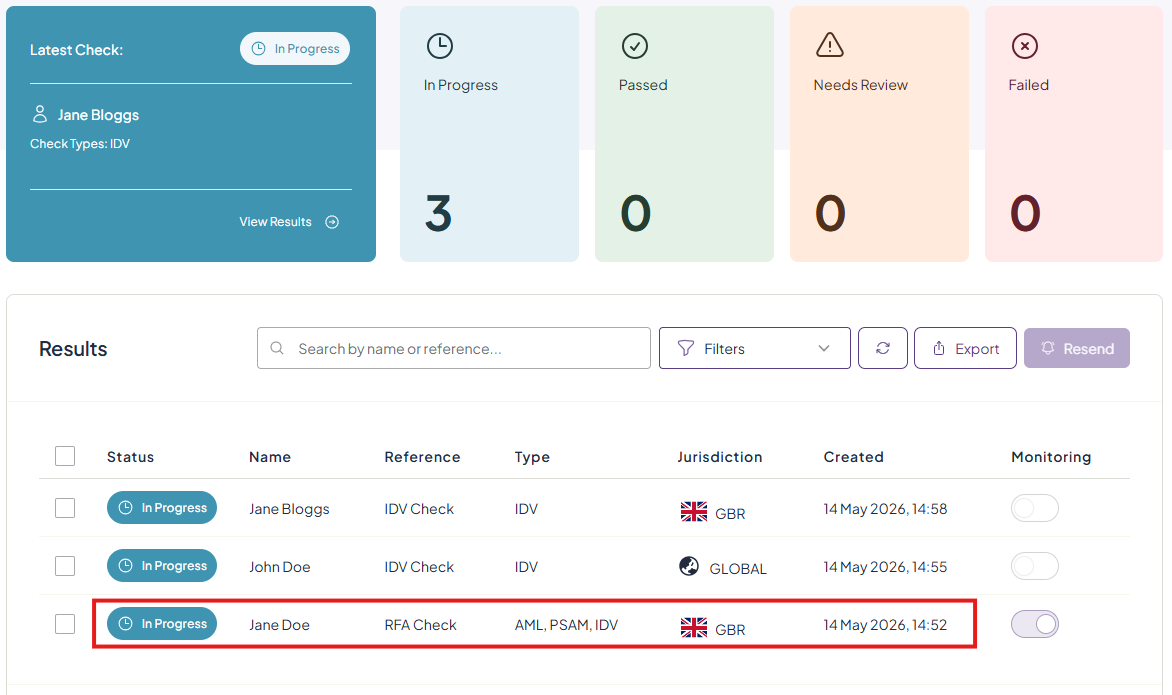
Here, you can review each element of the check. Click the 'Resend' button in the top right corner to resend the check to the recipient.

Was this article helpful?
That’s Great!
Thank you for your feedback
Sorry! We couldn't be helpful
Thank you for your feedback
Feedback sent
We appreciate your effort and will try to fix the article