Admin User: An Overview
The Admin User feature enables administrator users to efficiently manage account administration by allowing them to control a range of settings including creating new users and sub-accounts within subscription limits, deactivating users, and monitoring usage across users and accounts to ensure compliance and efficiency.
Accessing RFA User Management
If you require Admin access, please contact your account manager who will be happy to grant you admin permissions. If you do not know who your account manager is, you can contact us here.
Once the permission has been activated, you will be able to access the RFA User Management portal.
Administration Dashboard Overview
The administration dashboard includes the following sections: 'General', 'Accounts', and 'Users'.
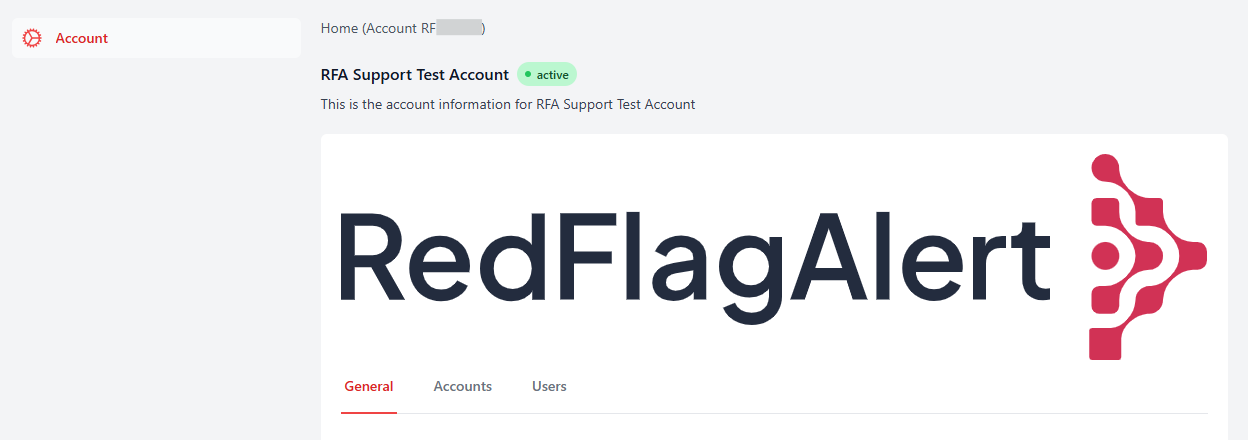
General Settings
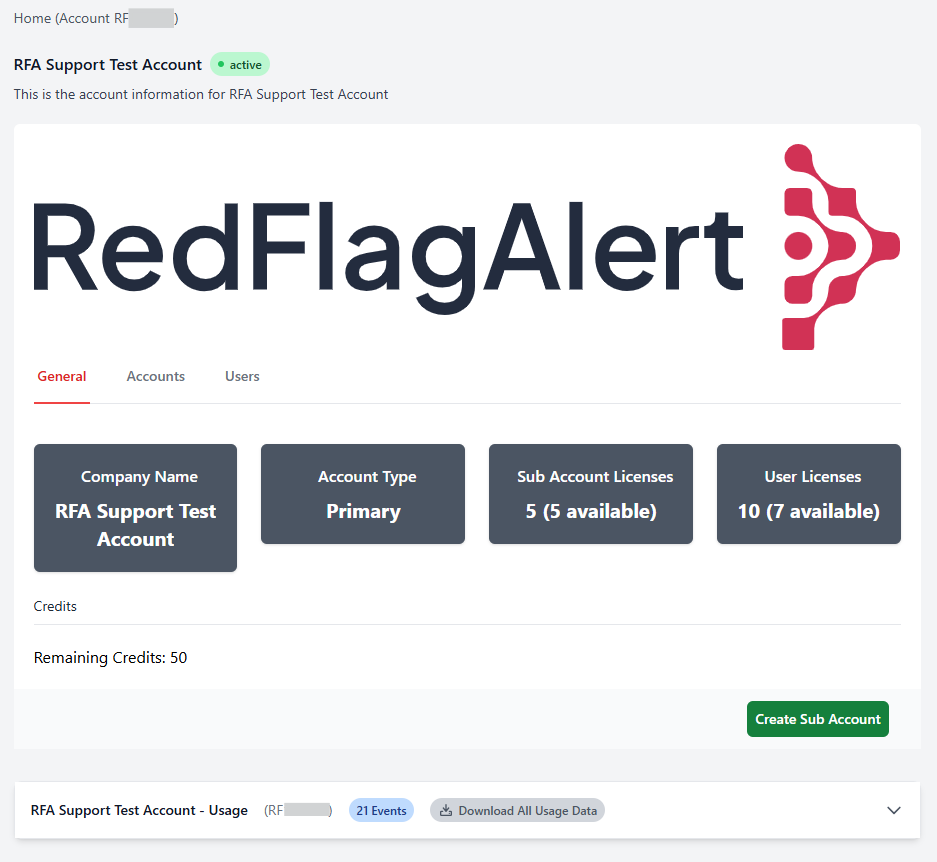
In the 'General' section, you can view and manage the following settings:
- Company Name
- Account Type
- Sub-Account Licenses (Total & Available)
- User Licenses (Total & Available)
- Credits (IDV/AML & PSAM credits available)
- Create Sub Account
- Usage
Accounts
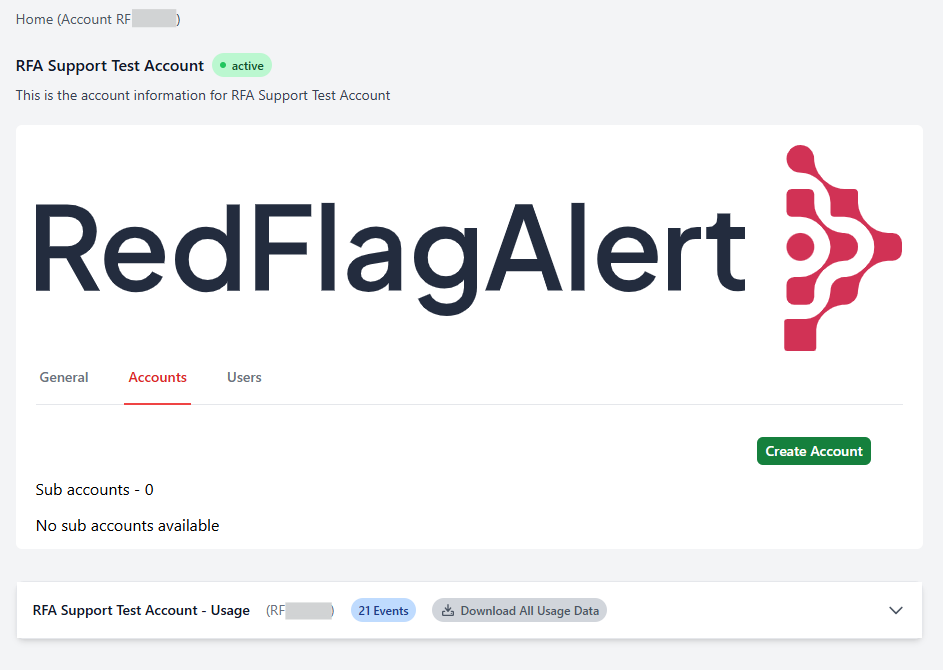
In the 'Accounts' section, you can view and manage the following settings:
- A list of Sub-Accounts
- Create Sub Account
Users
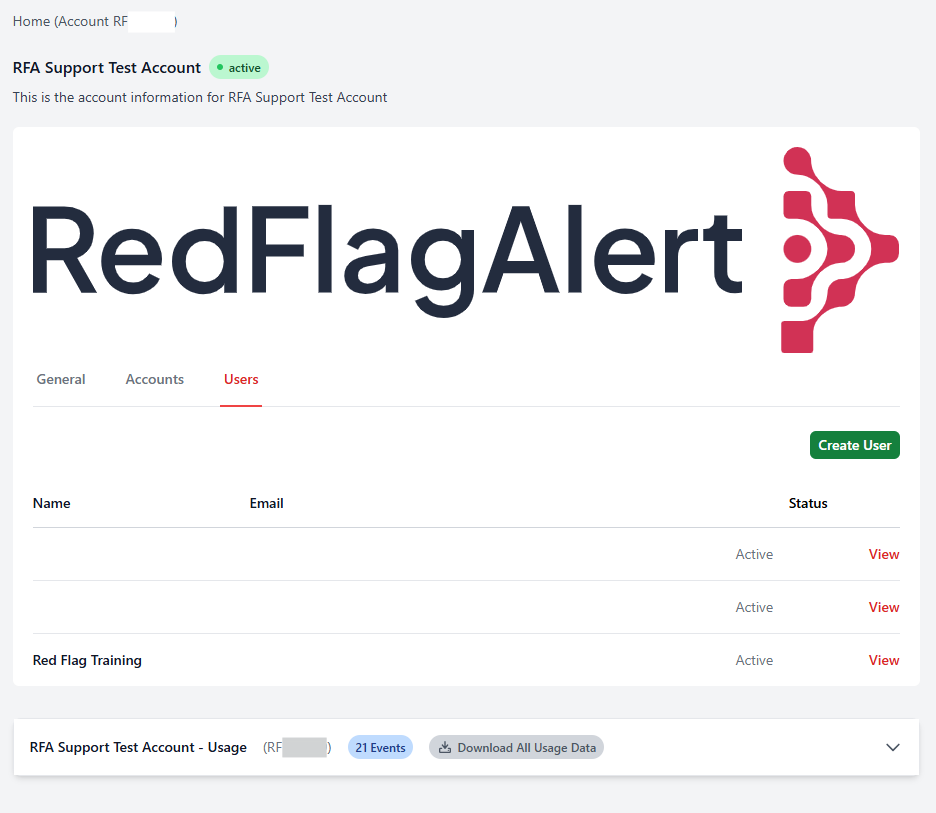
- A list of all active users
- Create User
For guidance on how to use each feature, please see the individual articles here.
For any additional support, you can contact us here.
Was this article helpful?
That’s Great!
Thank you for your feedback
Sorry! We couldn't be helpful
Thank you for your feedback
Feedback sent
We appreciate your effort and will try to fix the article