To manage users, start in the 'User Management' portal. You can access 'User Management' from the RFA platform by clicking on the icon in the top right corner and selecting 'User Management'. Alternatively, you can use this link.

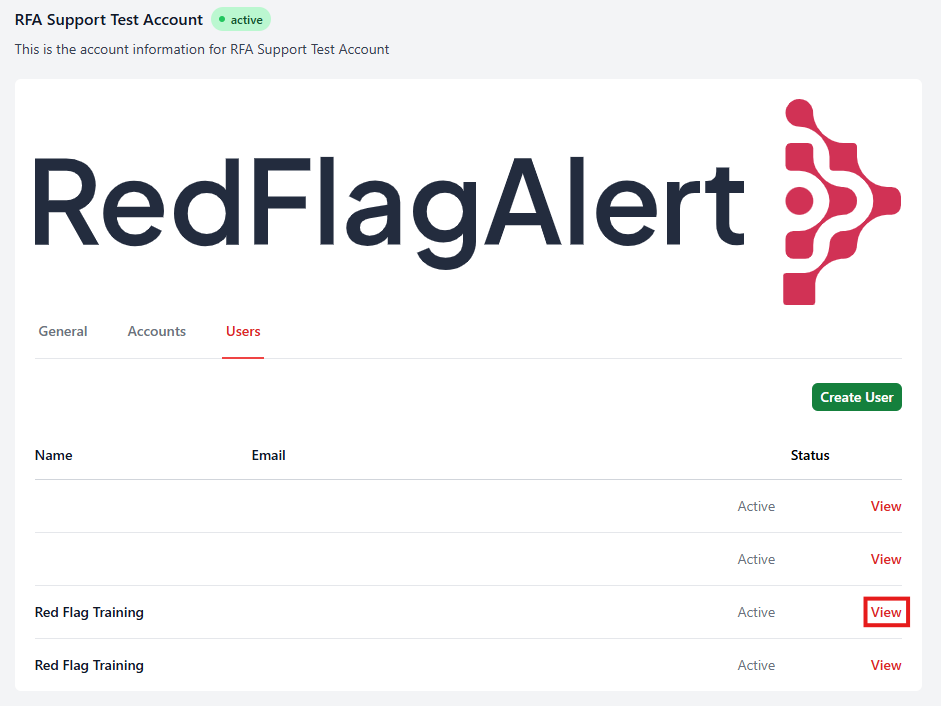
From the 'Users' tab of the 'User Management' portal, select the user account you would like to manage by clicking 'View'.
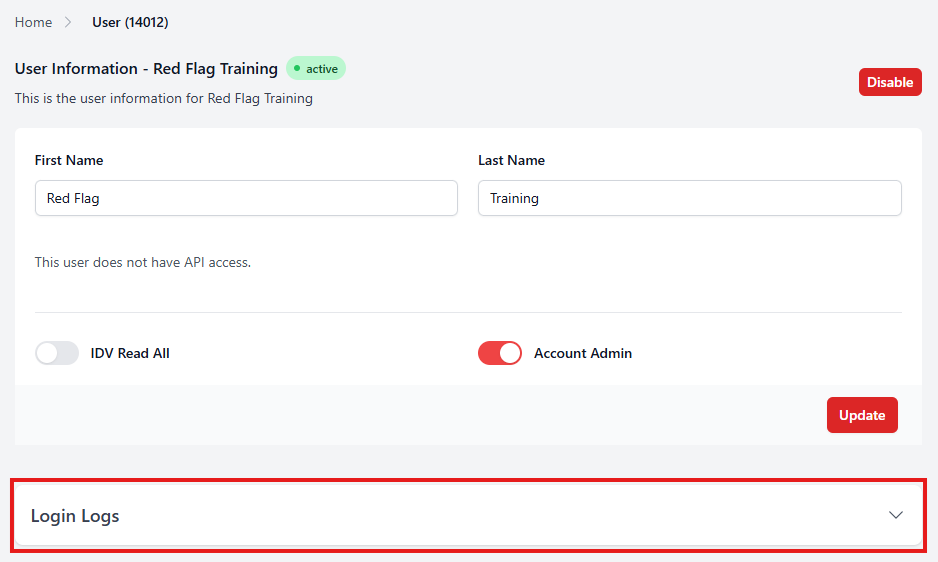
At the bottom of the user page, click 'Login Logs' to expand the log.
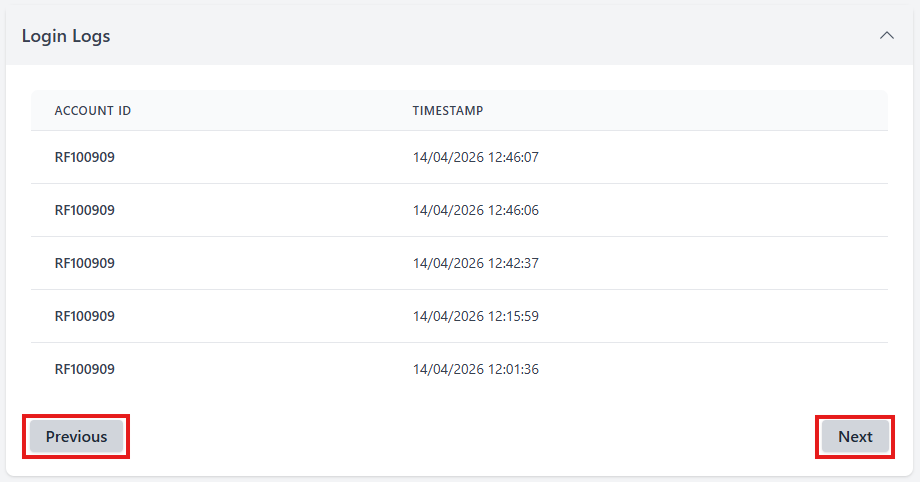
From here, you can see the days and times when this user accessed the portal. If there are multiple pages, you can navigate between them by clicking 'Previous' or 'Next'.
Was this article helpful?
That’s Great!
Thank you for your feedback
Sorry! We couldn't be helpful
Thank you for your feedback
Feedback sent
We appreciate your effort and will try to fix the article