To manage users, start in the 'User Management' portal. You can access 'User Management' from the RFA platform by clicking on the icon in the top right corner and selecting 'User Management'. Alternatively, you can use this link.

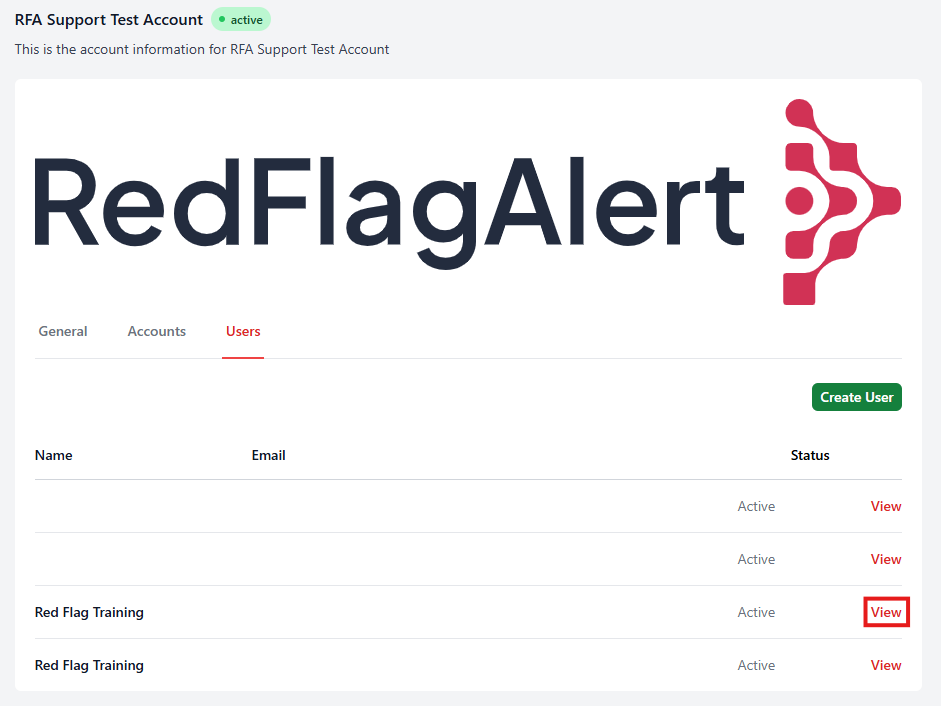
From the 'Users' tab of the 'User Management' portal, select the user account you would like to manage by clicking 'View'.
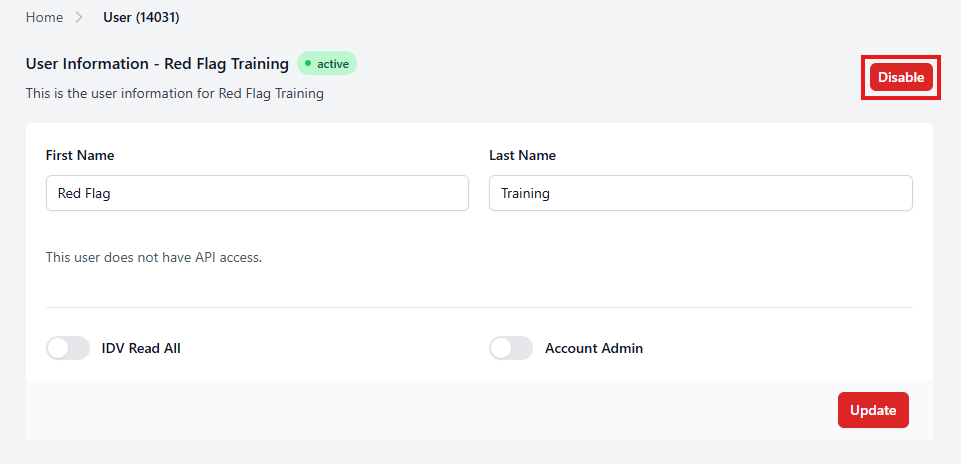
To disable the user, click 'Disable'.
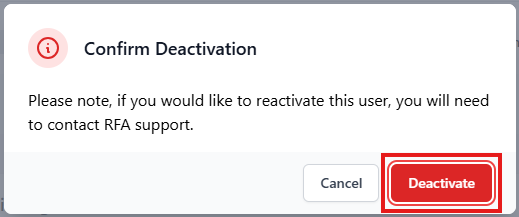
In the pop up box, if you change your mind and do not wish to disable the user, you can click 'Cancel'. To proceed, click 'Deactivate'.
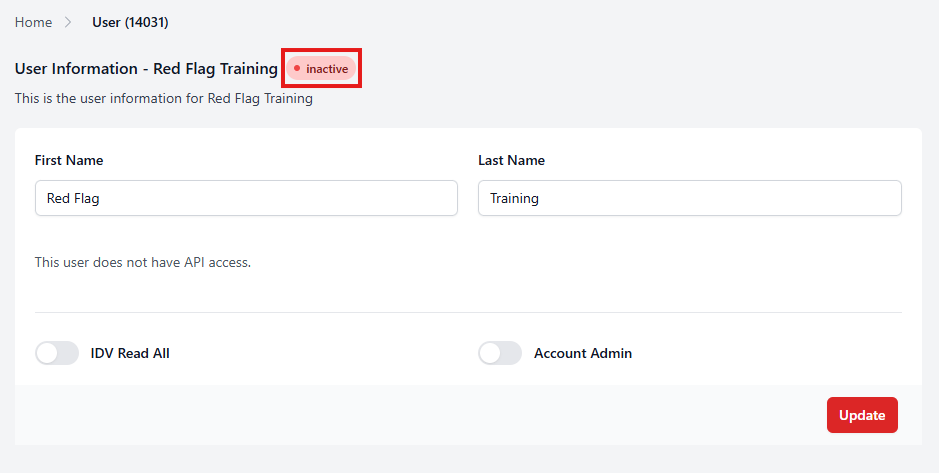
The user status will change from 'Active' to 'Inactive'.
If you would like to reactivate this user account at a later date, please submit a ticket using this link.
Was this article helpful?
That’s Great!
Thank you for your feedback
Sorry! We couldn't be helpful
Thank you for your feedback
Feedback sent
We appreciate your effort and will try to fix the article