Taking a picture of your ID
When taking a picture of your ID, please follow these steps:
- Make sure all four corners of the document are visible.
- Ensure the image is not blurred.
- Ensure the image is taken in good lighting without glare.
- If the picture quality is not satisfactory, use the option to re-take the picture.
After taking the photo
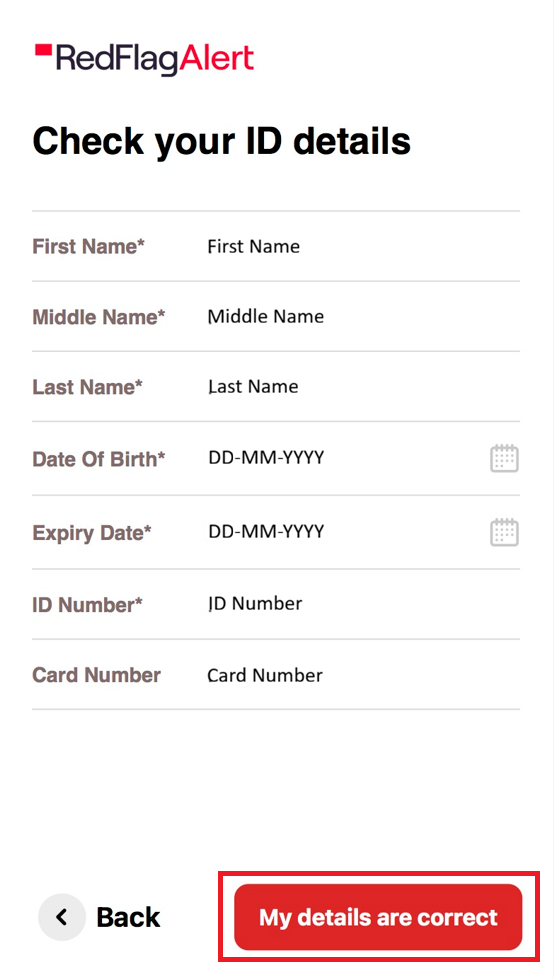
Be sure to check that the details on your ID, such as your name(s), date of birth, and ID details, have been correctly picked up on the scan. If they are not correct, you can click to edit them to make sure they match. Once you are satisfied, click 'My details are correct'.
Was this article helpful?
That’s Great!
Thank you for your feedback
Sorry! We couldn't be helpful
Thank you for your feedback
Feedback sent
We appreciate your effort and will try to fix the article